• 1-855-LAW-GPTS
  • Schedule a Meeting
legalGPTs logo
  • Home
  • Training
    • Overview
    • AI for Attorneys
    • Copilot Training
    • Litigation Support
    • Course Catalog
    • CLE Information
    • How Courses Work
    • My Courses
    • Certificate Verification
  • Resources
    • Articles
    • Tips & Tricks
    • Legal Decisions
  • Services
    • Fractional CIO
    • Custom Training
  • Home
  • Training
    • Overview
    • AI for Attorneys
    • Copilot Training
    • Litigation Support
    • Course Catalog
    • CLE Information
    • How Courses Work
    • My Courses
    • Certificate Verification
  • Resources
    • Articles
    • Tips & Tricks
    • Legal Decisions
  • Services
    • Fractional CIO
    • Custom Training
User-circle

Day: November 12, 2026

A 10-Minute Privacy Check of Your AI Tool’s Settings
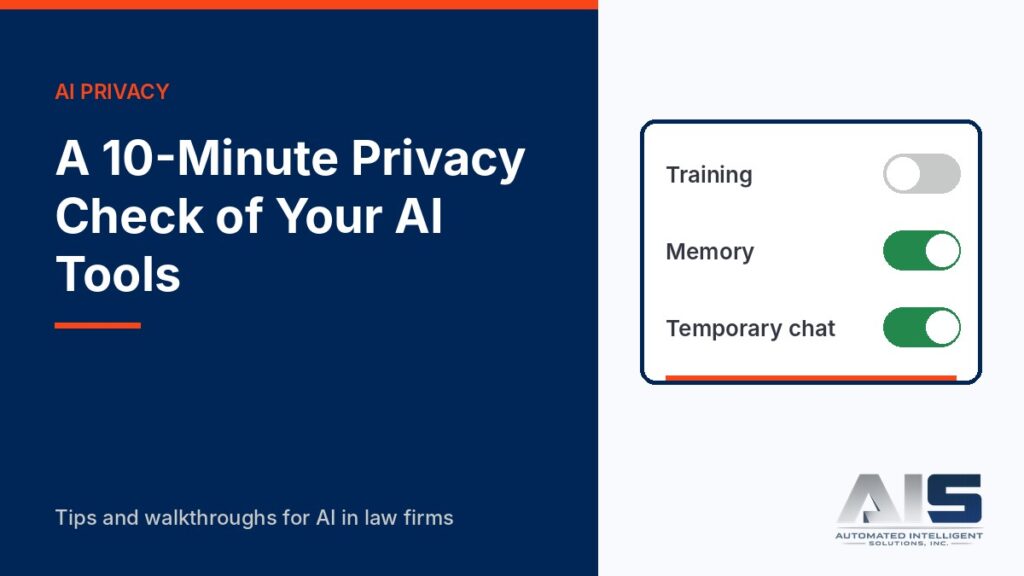
Navy title card reading A 10-Minute Privacy Check of Your AI Tools, with a settings panel showing Training turned off and Memory and Temporary chat switches, and the AIS logo

Check model training, retention, temporary chats, and work-data protection in ChatGPT, Claude, and Microsoft Copilot in about ten minutes.

Your Client’s ChatGPT History Is Evidence: How to Preserve It
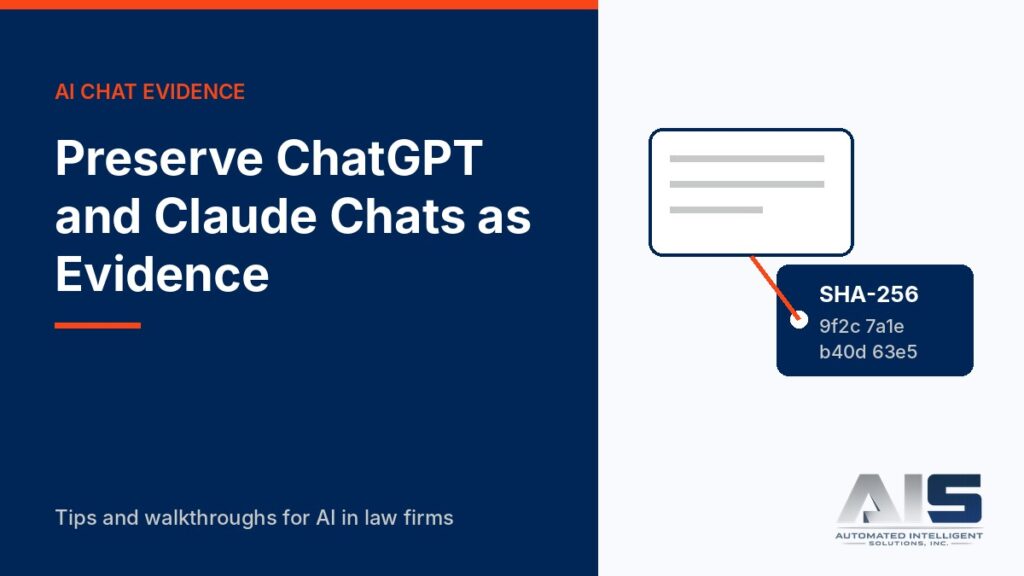
Navy title card reading Preserve ChatGPT and Claude Chats as Evidence, with a chat window linked to an evidence tag showing a SHA-256 hash, and the AIS logo

AI chat histories can be relevant evidence, and they can disappear fast. Learn how to export ChatGPT and Claude conversations with hashing and a chain of custody.

Get Your Inbox Under Control with Copilot in Outlook, and Keep Privilege Safe
Navy title card reading Summarize, Draft, Coach, and Keep Privilege Safe, with stacked email envelopes and an orange shield with a check mark, and the AIS logo

Use Copilot in Outlook to summarize long client threads, draft replies, and check tone, with a privilege check before every send.

The Legal Prompt Makeover: Same Task, Better Prompt
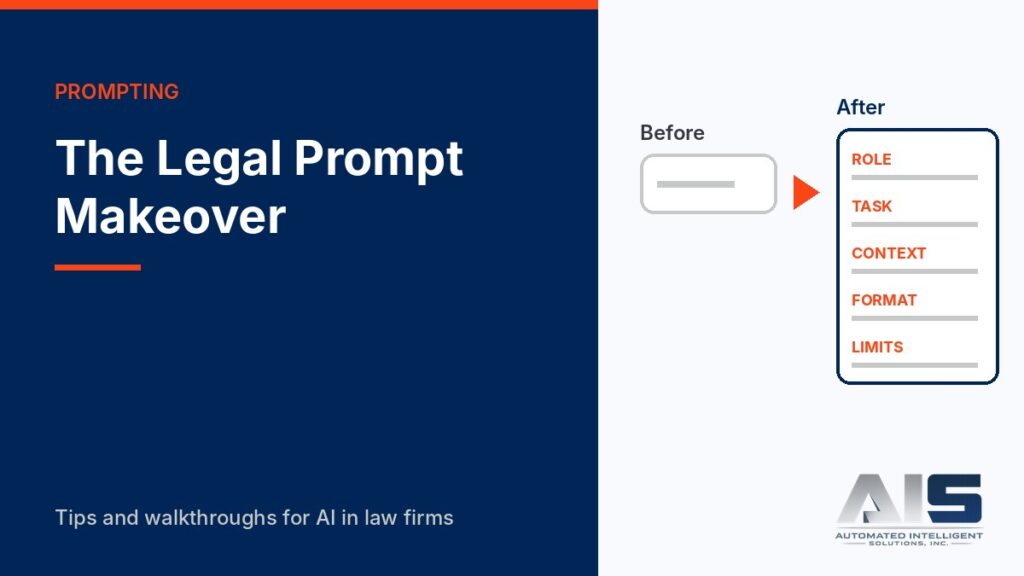
Navy title card reading The Legal Prompt Makeover, with a short Before prompt beside a longer After prompt labeled Role, Task, Context, Format and Limits, and the AIS logo

See one deposition-summary task done with a weak prompt and a strong prompt, and learn the five parts that make legal AI prompts work.

Redline a Contract with Edit with Copilot in Word
Navy title card reading Redline a Contract with Edit with Copilot, with a document showing a deleted line in red and an inserted line in blue, and the AIS logo

Use Edit with Copilot in Word to review and revise a contract clause with Track Changes on, so every AI edit stays visible for your review.

Check Every Citation Before You File: A 5-Minute AI Verification Routine
Navy title card reading Check Every Citation Before You File, with a document showing two checked citations and one rejected citation under a magnifying glass, and the AIS logo

AI tools can invent cases. Use this five-step routine and a free citation lookup to verify every authority in an AI-assisted draft before you sign it.

legalGPTs logo

We specialize in AI consulting, implementation, and training for the legal industry.
Based in Kansas City, serving clients worldwide.
© 2026 Automated Intelligent Solutions, Inc. dba legalGPTs

Terms of Service  | Privacy

Facebook X-twitter Youtube