
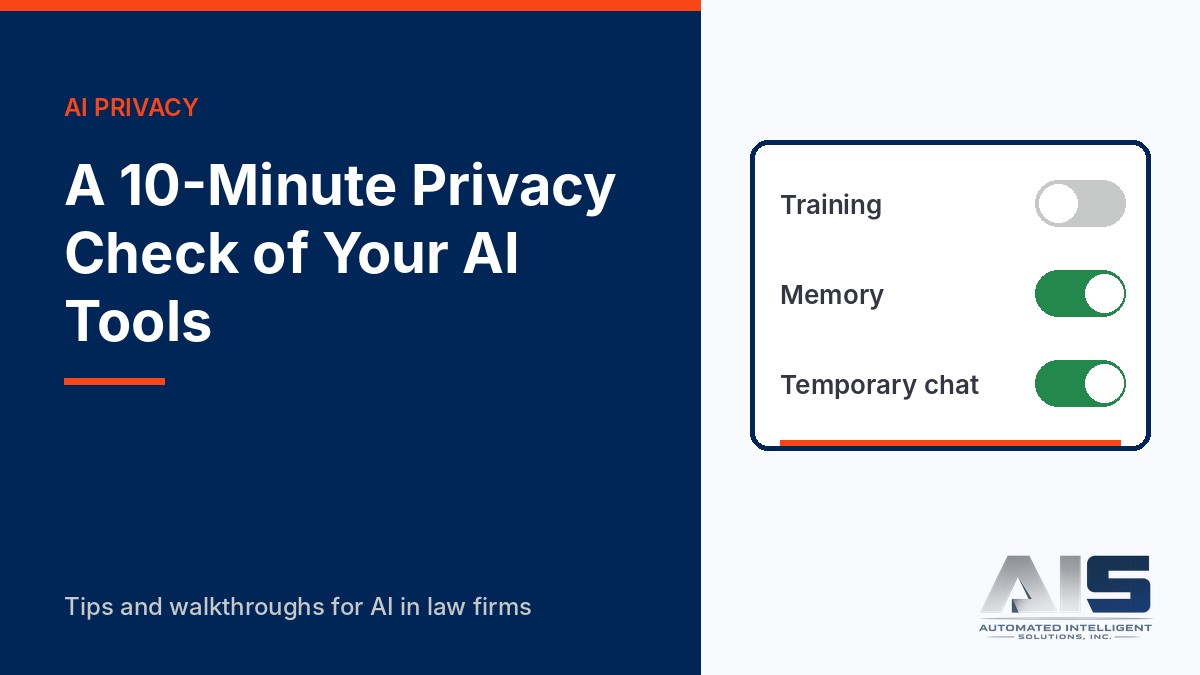
Before a lawyer puts client information into any AI tool, the lawyer must understand how the tool stores and uses that information. The Florida Bar said so in Ethics Opinion 24-1, and ABA Formal Opinion 512 says the same. Reading a vendor’s full terms takes time. Checking the settings that matter most takes about ten minutes.
Use this check on any account that you or your staff use for work. Do it again after every major product update.
Watch the walkthrough
This 3-minute video walks through the real settings screens in ChatGPT, Claude, and Microsoft Copilot.
Read the video transcript
Before you put client information into any AI tool, you need to know how that tool stores and uses it. Here is a ten-minute check of the settings that matter most in ChatGPT, Claude, and Microsoft Copilot.
Ask four questions about every tool. Can the vendor train its models on my conversations? How long are they kept? Is there a private mode, and what does it really do? And is this a personal consumer account, or a business account under the firm’s contract? That last question matters most, because business plans generally come with stronger contract terms and admin controls.
In a personal ChatGPT account, open Settings, then Data controls. The first setting to check is Improve the model for everyone. OpenAI says it is on by default for personal accounts, and you can see it is on here. Turn it off, and new conversations are not used for training. Your chat history stays.
Temporary chat is ChatGPT’s private mode. Temporary chats do not appear in your history, and they are not used for training. But read the line on the screen: this chat can still reference memory and custom instructions. And OpenAI says it may keep temporary chats for up to thirty days for safety purposes. Private does not mean gone at once.
In Claude, open Settings, then Privacy. The setting is called Help improve our AI models, and on this account it is off. Under Anthropic’s consumer terms, if this setting is on, your data can be kept for up to five years. With it off, the standard retention period is thirty days. Claude Team and Enterprise plans are under commercial terms, and Anthropic does not train on that data by default.
In Microsoft Copilot, first confirm that you are signed in with your work account. The shield icon means enterprise data protection applies to the chat. Then check the Work IQ switch. With it on, Copilot can use your work files, email, and meetings. Here it is off. Know which mode you are in before you ask about a client matter.
Record what you found for each tool: the account type, the training setting, retention, whether the firm has approved it for client work, and the date you checked. A dated record shows a reasonable inquiry, and it makes the next check faster.
Remember that settings protect one account. They do not tell your staff which tools are approved, what information may go into them, or who reviews the output. That takes a written AI use policy, vendor due diligence, and training. And vendors change their settings often, so check again after every major update.
To build the full governance program, take LGTAI401, AI Governance, Security, and Vendor Due Diligence for Law Firms, at legalgpts.com.
The four questions
- Training: Can the vendor use my conversations to train its models?
- Retention: How long does the vendor keep my conversations, and does a setting change that?
- Private mode: Is there a temporary or incognito mode, and what does it actually do?
- Account type: Is this a personal consumer account or a business account under the firm’s contract?
The fourth question matters most. Business plans generally have stronger contract terms and admin controls than consumer plans. A firm-approved business account is the right place for client work.
ChatGPT (personal Free, Plus, and Pro accounts)
- Training: Open Settings > Data controls and look at Improve the model for everyone. OpenAI says this is on by default for personal accounts. Turn it off. Your history stays, but new conversations are not used for training.
- Private mode: Temporary chat does not appear in history, does not create memories, and is not used for training. OpenAI says it may keep temporary chats for up to 30 days for safety purposes.
- Memory: Memory is a separate setting from training. Check what ChatGPT remembers about you, and delete anything that refers to a client.
Claude (personal Free, Pro, and Max accounts)
- Training and retention: Open Settings > Privacy and find the setting that lets Anthropic use your chats to improve Claude. Under Anthropic’s consumer terms, if this setting is on, data can be kept for up to five years. If it is off, the standard retention period is 30 days.
- Private mode: Incognito chats are not saved to your history.
- Business plans: Claude Team and Enterprise accounts are under commercial terms, and Anthropic does not train on that data by default.
Microsoft Copilot (firm Microsoft 365 accounts)
- Account check: Confirm that you are signed in with your work account, not a personal Microsoft account. Look for the shield icon, which shows that enterprise data protection applies.
- Work IQ: The Work IQ switch controls whether Copilot uses your work data (files, email, and meetings) in addition to the web. Know which mode you are in before you ask about a matter.
- Web search: Web search is a separate setting, and your administrator can turn it off by policy. If a prompt includes client details, think about whether a web query could carry them outside your tenant.
Record what you found
| Tool | Account type | Training | Retention | Approved for client work? | Checked on |
|---|---|---|---|---|---|
| ChatGPT | |||||
| Claude | |||||
| Microsoft Copilot |
A dated record shows that you made a reasonable inquiry. It also makes the next check faster.
A setting is not a policy
Settings protect one account. They do not tell staff which tools are approved, what information may go into them, or who reviews the output. A firm needs a written AI use policy, vendor due diligence, and training. Settings are where that work starts.
Build the full program
LGTAI401: AI Governance, Security, and Vendor Due Diligence for Law Firms covers AI use policies, vendor questionnaires, contract terms to look for, access controls, and incident response.
Sources
- Data controls in ChatGPT, OpenAI Help Center
- Data Controls FAQ, OpenAI Help Center
- Data usage and retention, Anthropic documentation
- The Florida Bar Ethics Opinion 24-1 (January 19, 2024)
- ABA Formal Opinion 512, Generative Artificial Intelligence Tools (July 29, 2024)
Current as of November 2026. Vendors change settings, defaults, and terms often. Read the vendor’s current documentation before you rely on any setting.