

How to Use Google Translate’s Pronunciation Practice to Improve Language Skills in Small Law Firms
Clients place a premium on clarity—especially when legal rights, deadlines, and next steps are on the line. If your firm serves multilingual communities, mispronunciations can slow intake, create confusion around discovery requests, or derail a court-date reminder. This step-by-step guide shows attorneys, paralegals, and operations managers how to use Google Translate’s pronunciation practice feature to build reliable speaking skills in 10 minutes a day. You’ll set up a reusable firm phrasebook, operationalize short practice routines in Microsoft 365/Teams, and implement lightweight governance for privacy. The result: faster client onboarding, fewer interpreter escalations for routine communications, and a more confident client experience.
Table of Contents
- Prerequisites / What You’ll Need
- Stage 1: Install, Update, and Configure Google Translate
- Stage 2: Practice Pronunciation the Right Way (Daily Workflow)
- Stage 3: Build a Legal Phrasebook for Real Casework
- Stage 4: Create a 10‑Minute Daily Practice Routine
- Stage 5: Operationalize Team Training in Microsoft 365
- Stage 6: Measure Outcomes, Maintain Privacy, and Improve
- Troubleshooting Table
- Success Checklist
- Conclusion & Next Steps
Prerequisites / What You’ll Need
- Android or iOS device with the latest Google Translate app installed. Get it from Google Play or App Store.
- Working microphone and permission to use it on the device.
- Stable internet for setup; optional offline language packs for travel or low-connectivity offices.
- Optional: A work or personal Google account for synchronizing saved phrases across devices.
- For firmwide rollouts: MDM/EMM permissions (e.g., Intune) that allow microphone use and app updates.
- A quiet space for 10-minute daily practice blocks (conference room, phone booth, or home office).
Stage 1: Install, Update, and Configure Google Translate
Goal
Ensure the app is current, languages are set, offline packs are downloaded if needed, and privacy settings align with firm policy.
- Install or update the app.
- Open the app store on your device and update Google Translate to the latest version.
- Launch the app and accept microphone permissions when prompted.
- Set your working language pair.
- Tap the source and target language at the top (e.g., English → Spanish, English → Mandarin, English → Vietnamese).
- Pin your top languages for quick switching if you serve multiple communities.
- Download offline language packs (optional but recommended).
- Open Settings in the app, tap Offline translation, then download packs for the languages you use most.
- Note that some pronunciation features may be limited offline; use Wi‑Fi for best fidelity.
- Confirm audio and privacy settings.
- In device settings, verify the app has Microphone access.
- If your firm restricts voice storage, disable any optional voice activity history at the account or device level.
- Adjust speech pace.
- In the app’s playback controls, locate the slow or speed toggle for clearer model pronunciation during practice.
Pro Tip: If you manage devices via Microsoft Intune, create an app protection policy that allows microphone use and automatic updates for Google Translate while blocking clipboard sharing from Translate to unmanaged apps.
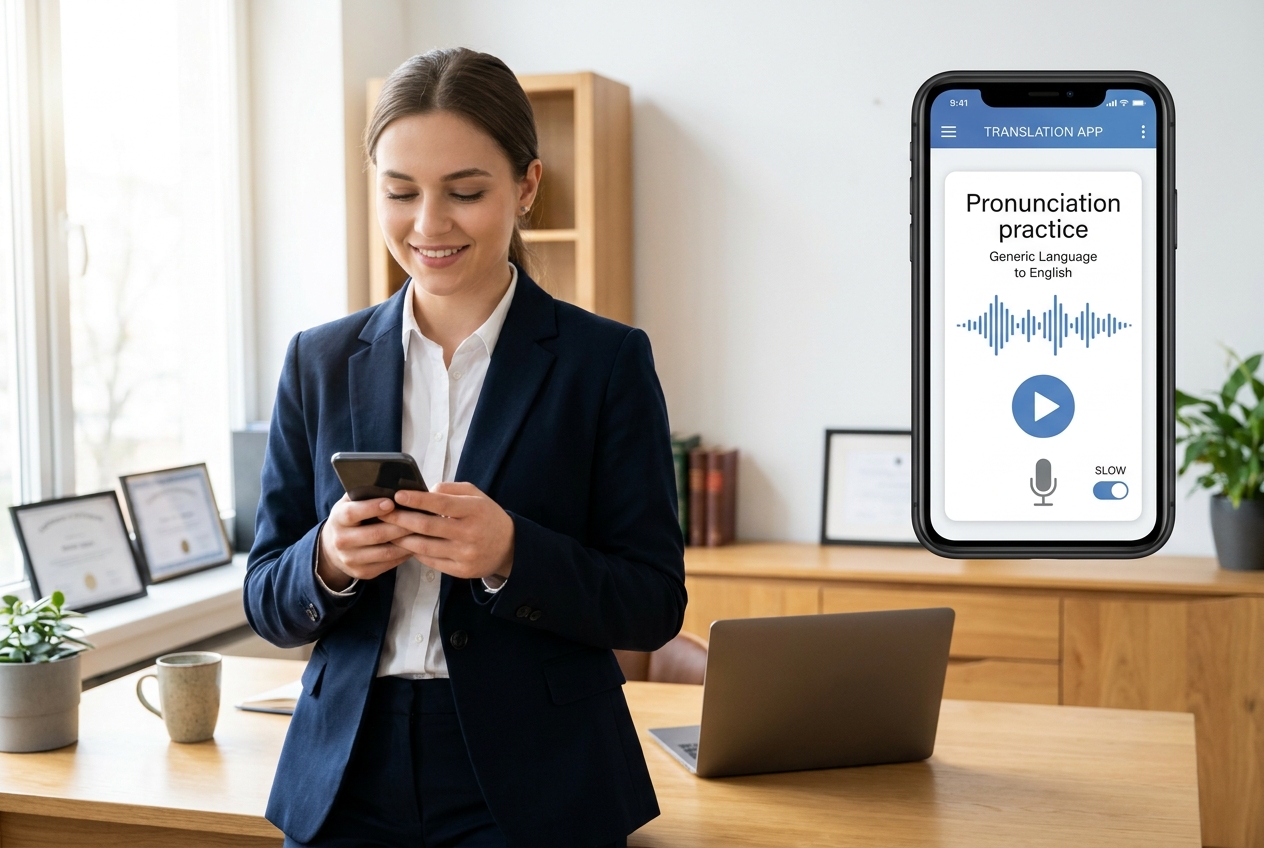
Stage 2: Practice Pronunciation the Right Way (Daily Workflow)
Goal
Use the pronunciation practice feature to learn phrases your firm actually uses with clients—intake, scheduling, discovery instructions, and payment terms.
- Open Google Translate and select your language pair.
- Enter a phrase you need for real client work, such as:
- “Your court date is on Friday at 9:00 a.m.”
- “Please bring any letters you received from the court.”
- “This is a retainer agreement; I will explain your rights and obligations.”
- Access pronunciation practice.
- Look for the practice or speaking card associated with the translated phrase, or tap the speaker icon to hear the correct pronunciation first.
- Tap the microphone or “Practice” to record your attempt. Speak naturally and at normal speed.
- Review feedback and iterate.
- Use phoneme or syllable highlights, color coding, and scoring cues (if available) to identify where you deviated.
- Tap slow playback to hear the target pronunciation again, then immediately retry while the articulation is fresh.
- Save the phrase.
- Tap the star icon to save and add it to your phrasebook for spaced repetition.
Note: Accents vary regionally. When serving specific communities (e.g., Mexican Spanish vs. Castilian), add a note to the phrase indicating the dialect you most commonly encounter and practice that delivery consistently.
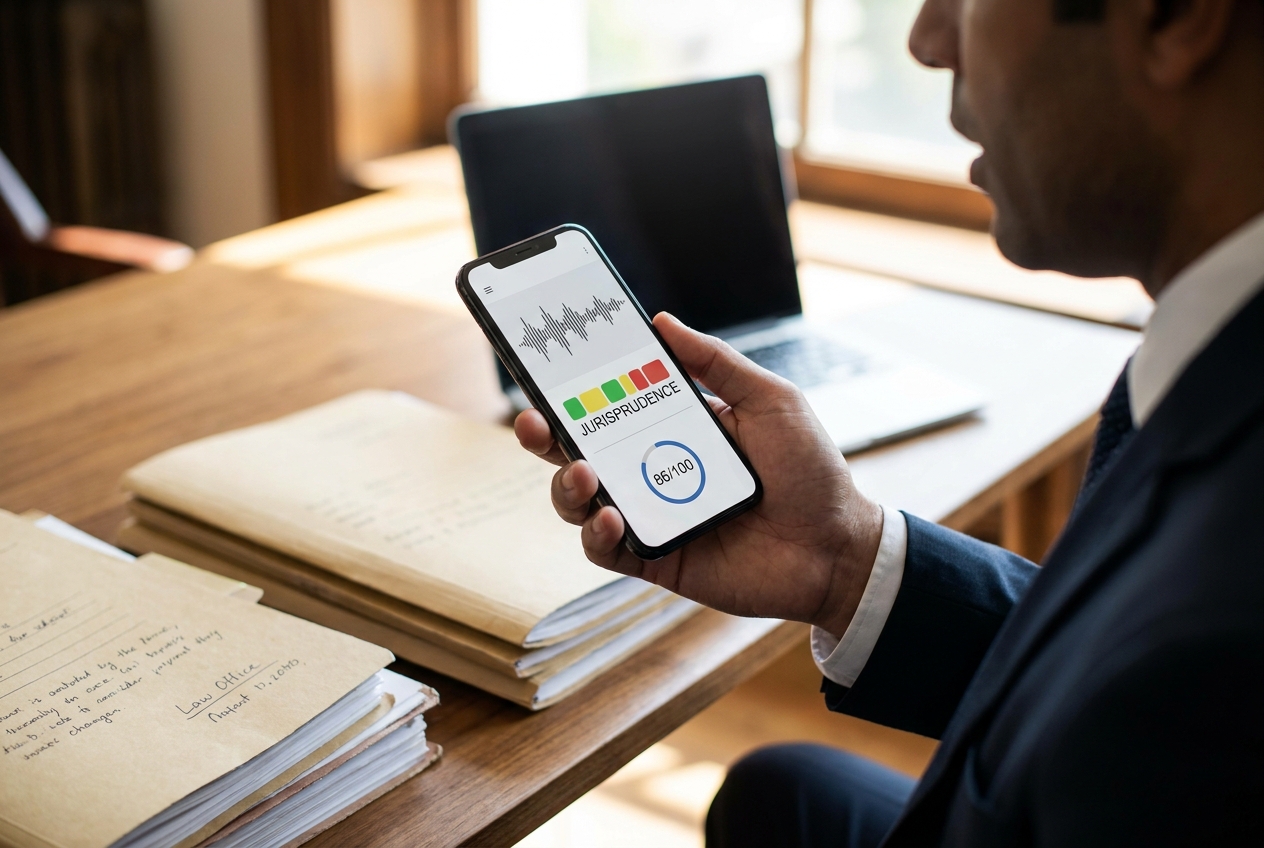
Stage 3: Build a Legal Phrasebook for Real Casework
Goal
Design a reusable, searchable library of essential phrases mapped to your practice areas and client-facing workflows.
- Identify your top 50 phrases per practice area.
- Client Onboarding: “Do you prefer text or phone calls?”, “We need a copy of your ID.”
- Discovery: “Please upload photos and documents related to the incident.”
- Court & Scheduling: “Your hearing is at the county courthouse, room 4B.”
- Immigration: “We will prepare your Form I‑589; I’ll explain timelines.”
- Family Law: “We’ll discuss temporary orders regarding parenting time.”
- Payments & Retainer: “Your initial retainer is refundable subject to the agreement terms.”
- Save phrases in Translate.
- After translation, tap the star to add to Saved. Keep the source phrase simple, clear, and context‑specific.
- Catalog phrases in Microsoft 365 for firmwide sharing.
- Create a central “Client Communications Phrasebook” in OneNote or SharePoint with sections by practice area.
- For each phrase, include: English source, translated text, usage notes (dialect, formality), and a link or reference for pronunciation practice.
- Standardize tone and formality.
- Add tags like “formal,” “plain language,” or “phone-friendly.” Keep client explanations at a 6th–8th grade reading level.
- Embed usage policies.
- Annotate phrases that should always route to certified interpreters (e.g., advisements of rights, settlement terms) vs. phrases appropriate for direct use after training (e.g., scheduling, document reminders).
Pro Tip: Use a Microsoft List to track phrase ownership (who submitted it), last validation date, and whether a native speaker has reviewed pronunciation and tone. Require a quick peer check before firmwide adoption.
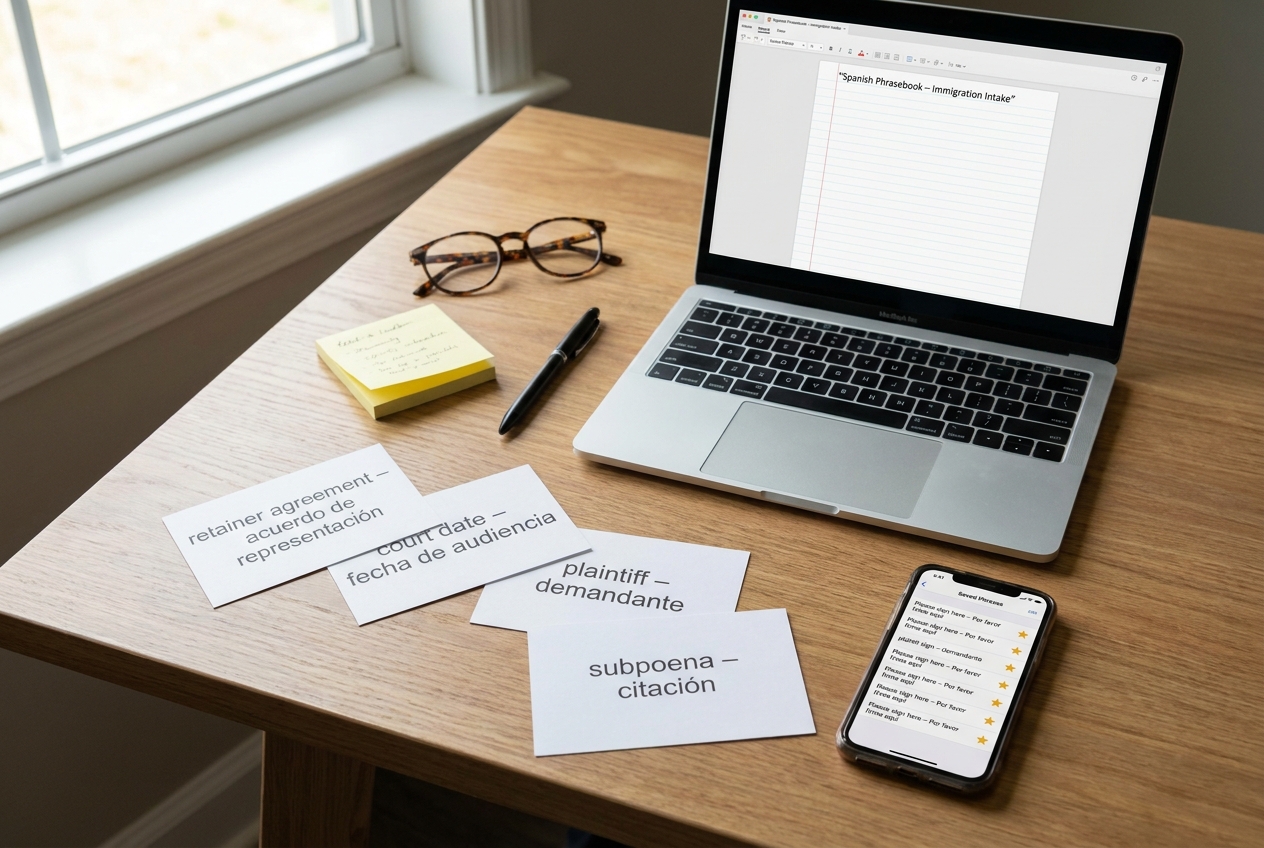
Stage 4: Create a 10‑Minute Daily Practice Routine
Goal
Build consistent muscle memory with short, realistic drills aligned to how your team actually communicates.
- Time‑block consistency.
- Schedule a recurring 10‑minute block in Outlook at either 8:50 a.m. (pre‑calls) or 1:20 p.m. (post‑lunch), and mark it “Do Not Disturb.”
- Use a 3‑2‑1 drill.
- 3 minutes: Listen to three saved phrases at normal and slow speeds.
- 2 minutes: Record your attempts and aim for incremental score improvement.
- 1 minute: Shadow the native pronunciation in sync (speak simultaneously with playback).
- Rotate practice themes by day.
- Mon: Client intake openers and consent to proceed.
- Tue: Court reminders and directions.
- Wed: Discovery requests and deadlines.
- Thu: Payment, retainer, and invoice follow‑ups.
- Fri: Empathy phrases for difficult conversations.
- Level up once per week.
- Replace two easy phrases with two new ones. Keep your library fresh and relevant to active cases.
- Record micro‑wins.
- Add a “Practice Log” page in OneNote. Track date, phrases practiced, and any pronunciation challenges.
Note: For attorneys with heavy court schedules, pair practice with commute time—listen and shadow during transit, then record attempts once you’re in a quiet setting.
Stage 5: Operationalize Team Training in Microsoft 365
Goal
Turn individual practice into a repeatable, auditable training program your firm can sustain.
- Stand up a Teams channel called “Language Practice.”
- Pin tabs for OneNote (Phrasebook), SharePoint (central repository), and Microsoft Forms (monthly check‑in quiz).
- Create a monthly 30‑minute workshop.
- Agenda: 10 minutes of group shadowing with three phrases; 10 minutes of pair role‑play (intake call, appointment confirmation); 10 minutes on dialect/etiquette tips.
- Automate reminders with Power Automate.
- Flow: Every weekday at 8:45 a.m., post to the Teams channel: “Today’s three phrases” with direct references from the OneNote section.
- Capture metrics lightly.
- Use a Forms quiz to self‑report: “Practiced 10 minutes today?” and “Score trend improving?” Aggregate monthly.
- Clarify risk boundaries.
- Publish a guidance memo: Staff may use direct language for administrative communications; legal advisements require certified interpreters unless otherwise authorized by the supervising attorney.

Stage 6: Measure Outcomes, Maintain Privacy, and Improve
Goal
Ensure the program delivers measurable business value, respects client confidentiality, and continuously adapts.
- Define success metrics.
- Efficiency: Reduction in interpreter escalations for routine scheduling by X% in 60 days.
- Client experience: Fewer “Please repeat” moments on calls (self‑reported by staff weekly).
- Quality: Upward trend in practice scores for the top 20 phrases.
- Implement privacy by design.
- Practice with generic client scenarios; avoid speaking full names, case numbers, or sensitive facts.
- Disable optional voice history where policy requires; practice in private spaces.
- Calibrate with native speakers.
- Quarterly, invite a native speaker (consultant or bilingual staff) to spot‑check tone and cultural fit for 10–15 core phrases.
- Keep language packs and apps current.
- Set a monthly MDM task to verify app version, supported features, and language pack updates across firm devices.
- Iterate your phrasebook.
- Retire low‑use items and add phrases from recent matters (e.g., new court e‑filing instructions, interview consent lines).
Troubleshooting Table
| Roadblock | Likely Cause | Solution |
|---|---|---|
| Pronunciation practice card doesn’t appear | Outdated app or unsupported for the selected language/region | Update the app. Try a different but related phrase. Test with high‑volume languages (e.g., Spanish). Confirm region settings. |
| No microphone input detected | Mic permission denied or MDM policy blocking audio | Enable Microphone in device settings. In Intune, allow audio input for the app. Restart the device if needed. |
| Scores vary wildly between attempts | Background noise or inconsistent mic distance | Practice in a quiet room. Hold the phone 6–10 inches from your mouth. Use a headset with a stable mic position. |
| Playback is too fast to imitate | Default speed set to normal | Use the slow playback toggle, then switch back to normal speed once you grasp the syllable rhythm. |
| Pronunciation sounds correct, but clients still struggle | Dialect or register mismatch (over‑formal or regional variation) | Add dialect notes to each phrase. Have a native speaker review tone. Prefer plain‑language variations. |
| Feature works on Wi‑Fi but not on the go | Offline packs missing or limited feature set offline | Download offline language packs. Expect reduced feedback offline; schedule practice over Wi‑Fi when possible. |
| Team won’t stick to the routine | No cadence or accountability | Automate daily reminders in Teams, keep practice to 10 minutes, and celebrate weekly streaks in the channel. |
| Compliance concern about client data | Practicing with real PII | Mandate fictionalized examples during practice. Disable optional voice history if policy requires. Train in private spaces. |
Success Checklist
- Google Translate app updated; microphone permissions granted.
- Primary languages configured; offline packs downloaded if required.
- At least 50 firm‑approved phrases saved and cataloged in OneNote/SharePoint.
- Daily 10‑minute practice block scheduled in Outlook for all participating staff.
- Teams channel live with tabs for Phrasebook, Repository, and Monthly Forms check‑in.
- Power Automate reminder posts “Today’s three phrases” on weekdays.
- Interpreter boundary policy documented and acknowledged.
- Monthly metric review held; phrasebook updated with lessons learned.
Conclusion & Next Steps
With a targeted phrasebook and a 10‑minute cadence, Google Translate’s pronunciation practice becomes a practical language lab for your firm. Attorneys and staff gain the confidence to handle routine client communications—confirming court dates, explaining discovery tasks, and setting expectations—while reserving interpreters for critical advisements. Operationalizing this in Microsoft 365 ensures consistency, light governance, and measurable outcomes. Next, extend the program to additional practice areas and languages, calibrate tone with native speakers quarterly, and track reductions in interpreter escalations for routine calls. The payoff is smoother client experiences, fewer misunderstandings, and time back for higher‑value legal work.
Ready to explore how you can leverage technology and AI? Reach out to info@legalgpts.com today for expert guidance and tailored strategies.