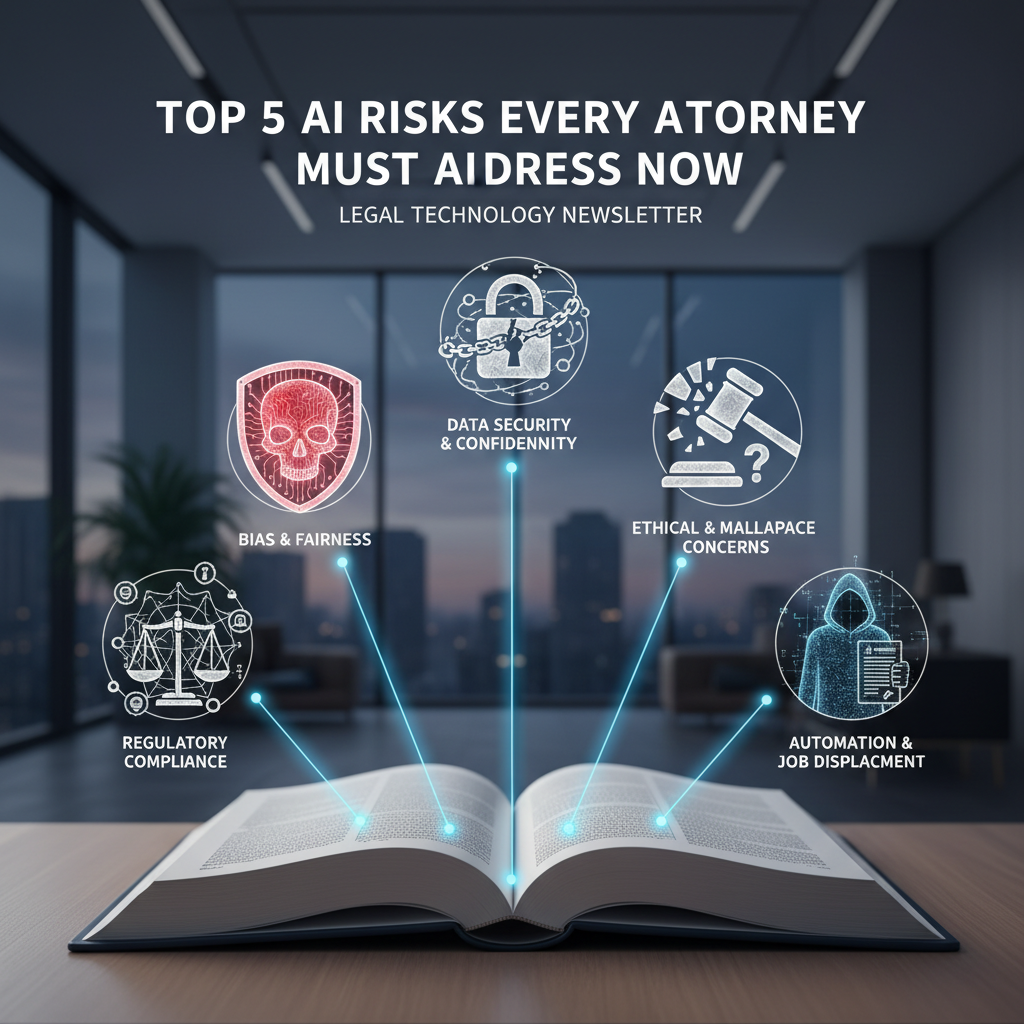
The Hidden Landmines: Top 5 AI Risks Every Attorney Must Address
Table of Contents
- Why AI Risk Management Matters Now
- Visual: AI Risk Heatmap for Law Firms
- Risk 1: Confidentiality and Privilege Leakage
- Risk 2: Hallucinations and Fabricated Authority
- Risk 3: Embedded Bias and Fairness Failures
- Risk 4: Erosion of Expertise and Overreliance
- Risk 5: Data Security, Breach, and Chain of Custody
- Vendor Diligence: What To Demand From AI Providers
- A Practical 30-60-90 Day AI Governance Plan
- Quick Reference: Red Flags and Safe Defaults
Why AI Risk Management Matters Now
Artificial intelligence is moving from novelty to necessity in the legal sector. Firms are automating intake, accelerating legal research, and drafting first-pass documents with generative systems. The upside is clear: more scale, faster turnaround, and measurable cost savings. The risk profile is also clear: unvetted AI can expose confidential information, invent sources, embed bias, and weaken professional judgment. For attorneys bound by duties of competence, confidentiality, and supervision, AI is not a gadget. It is a system that must be governed.
Ethics spotlight: ABA Model Rule 1.1 (Competence) includes understanding the benefits and risks of relevant technology. Model Rule 1.6 (Confidentiality) and 5.3 (Responsibilities regarding nonlawyer assistance) apply when using third-party AI tools.
Visual: AI Risk Heatmap for Law Firms
| Risk | Likelihood | Impact | Overall Exposure |
|---|---|---|---|
| Confidentiality leakage | High | Severe | Critical |
| Hallucinations | High | High | High |
| Bias and fairness | Medium | High | High |
| Erosion of expertise | Medium | Medium | Moderate |
| Data security and breach | Medium | Severe | High |
Risk 1: Confidentiality and Privilege Leakage
What this looks like in practice
Lawyers paste client facts or draft briefs into a public AI chatbot and receive useful suggestions. Behind the scenes, those inputs may be logged, used to improve the model, or routed to third-party processors. Even if the vendor promises not to train on your data, telemetry, metadata, or prompt logs can still persist. If the model later generates similar content for others, you may have a privilege problem and a client trust problem.
Hidden pitfalls
- Autocomplete in productivity suites can surface snippets from earlier documents handled by the same tenant if access controls are misconfigured.
- Prompt history syncing across devices can store client data in consumer accounts outside firm control.
- Cross-border data transfer in the AI workflow can trigger regulatory obligations that conflict with client instructions.
Mitigation checklist
- Use enterprise AI tools with tenant isolation, data residency options, and a written commitment not to train on your data.
- Strip or mask client identifiers before using generative tools unless you are in a secured, logged, and approved environment.
- Implement a matter-level data classification policy and block high-sensitivity content from public AI endpoints.
- Route AI access through firm identity and access management so usage can be audited and revoked.
Policy snippet: Attorneys and staff may only submit client or matter information to firm-approved AI systems configured with logging, encryption in transit and at rest, and contractual no-training guarantees. Public AI systems are prohibited for confidential or privileged material.
Risk 2: Hallucinations and Fabricated Authority
What this looks like in practice
Generative models can output confident but incorrect statements, including invented case law or misapplied holdings. These errors are subtle and often plausible, which makes them dangerous in research memos, motion practice, and correspondence.
Hidden pitfalls
- Models cite real-looking case names with fabricated quotes or pin cites.
- Jurisdictional drift where a correct principle from one jurisdiction is applied to another without noticing conflicts.
- Temporal drift where models rely on pre-cutoff law for rapidly evolving areas.
Mitigation checklist
- Use retrieval-augmented solutions that ground answers in your firm library or authoritative databases and show source links.
- Require human-in-the-loop verification and cite checking before client or court use.
- Activate model settings that limit creativity and increase factuality for research or analysis tasks.
- Maintain a short list of trusted legal research vendors with citator features and audit trails.
Courtroom reality check: Several courts now require certification that filings have been reviewed by a human and that citations are verified. Even where not required, adopt the same standard internally.
Risk 3: Embedded Bias and Fairness Failures
What this looks like in practice
AI models learn from datasets that reflect historical patterns. When used for tasks like ranking matters, screening candidates, or estimating litigation exposure, the system can perpetuate or amplify bias related to protected classes or socioeconomic status.
Hidden pitfalls
- Biased training data in vendor models is opaque to your firm but can influence results.
- Proxy features in your own datasets can encode protected attributes indirectly.
- Client-facing tools that appear neutral may still create disparate impact risks.
Mitigation checklist
- Demand vendor documentation of training data provenance and bias testing approaches.
- Run disparate impact tests on your prompts and outputs for high-stakes workflows.
- Use constrained prompts and decision rules that make inclusion criteria explicit and reviewable.
- Involve a cross-functional review group, including DEI and risk, for AI use cases that affect people decisions.
Emerging regulations: Jurisdictions are considering or have enacted AI transparency and bias assessment requirements for automated decision systems. Monitor local rules to ensure your firm and client tools meet any testing and notice obligations.
Risk 4: Erosion of Expertise and Overreliance
What this looks like in practice
When AI drafts the first pass every time, junior lawyers and staff may lose opportunities to build foundational skills. Over time, teams can become less capable of spotting subtle issues, challenging assumptions, and exercising legal judgment. The result is quality drift that may not be visible until it causes harm.
Hidden pitfalls
- Unchecked template reuse produces stale analysis and missed developments in law.
- Over-delegation to AI removes the struggle that builds expertise in research and drafting.
- Metrics that reward speed without quality guardrails encourage overreliance.
Mitigation checklist
- Establish review protocols that require articulation of legal theories independent of AI output.
- Use AI to augment, not replace, first-principles analysis. Prompt it to critique or stress test your position.
- Integrate skills development: pair AI-assisted tasks with training modules and partner feedback.
- Track outcomes and error rates to calibrate where AI adds value vs where it reduces quality.
Practice tip: Make the human the author and the AI the assistant. Require attorneys to state the rule, apply to facts, and then compare against AI output, not the other way around.
Risk 5: Data Security, Breach, and Chain of Custody
What this looks like in practice
AI tools introduce new data flows, temporary caches, and third-party processors. A breach can occur at the endpoint, in transit, or within the vendor’s infrastructure. For litigation and investigations, unlogged model interactions and ephemeral storage complicate chain of custody and defensibility.
Hidden pitfalls
- Local desktop clients that cache prompts and outputs unencrypted.
- API keys stored in plaintext within practice group notebooks or scripts.
- Silent model updates that change outputs and introduce variance without notice.
Mitigation checklist
- Mandate single sign-on, role-based access, and logging for all AI tools.
- Store prompts and outputs in a secure repository with retention aligned to client and regulatory obligations.
- Use network egress controls to block unapproved AI endpoints.
- Require vendors to provide incident response SLAs, breach notification terms, and audit rights.
| Stage | Data Elements | Control | Evidence |
|---|---|---|---|
| Prompt creation | Facts masked, no client identifiers | Masking tool enforced | Masking logs |
| Transmission | Encrypted prompt and documents | TLS 1.2+, private endpoint | Network logs |
| Processing | Tenant-isolated compute | Vendor no-training contract | Attestation, audit reports |
| Output review | Draft with citations | Human verification checklist | Review record, sign-off |
| Retention | Prompt and output | Secure DMS, 90-day purge of vendor cache | Retention policy, purge proof |
Vendor Diligence: What To Demand From AI Providers
Procurement is your first and best control surface. Insist on evidence, not marketing claims.
| Control Area | What Good Looks Like | Questions to Ask |
|---|---|---|
| Data use | Contractual no-training on your data, optional data residency, tenant isolation | Is any client data used for model improvement or analytics? Where is it stored and for how long? |
| Security | Encryption at rest and in transit, key management, rigorous access controls | Provide SOC 2 Type II or ISO 27001. How are secrets and API keys managed? |
| Privacy | GDPR, CCPA alignment, DPA with subprocessors listed | List subprocessors and transfer mechanisms. Support client deletion requests? |
| Reliability | Versioned models, change logs, uptime SLAs | How are model updates communicated? Can we pin a model version? |
| Auditability | Comprehensive logs, exportable for eDiscovery | Can we export prompt and output logs by matter and user? |
| Bias and safety | Documented testing, red-team results, mitigation features | What bias testing do you run and at what cadence? Share the latest results. |
| Support | Named account owner, security incident process, response times | What are the timelines for breach notification and remediation? |
A Practical 30-60-90 Day AI Governance Plan
Build governance iteratively so you can capture value while reducing risk.
| Timeline | Objectives | Concrete Actions |
|---|---|---|
| Days 1-30 | Stabilize and set guardrails |
|
| Days 31-60 | Operationalize controls |
|
| Days 61-90 | Measure and expand safely |
|
Quick Reference: Red Flags and Safe Defaults
Red flags to stop and escalate
- Any AI tool that lacks contractual no-training commitments for your data.
- Outputs with citations you cannot verify in an authoritative database.
- Requests to process protected data categories without a documented lawful basis.
- Vendors unwilling to disclose subprocessors or provide audit reports.
- Unlogged AI usage in matters subject to litigation holds or regulatory inquiries.
Safe defaults to adopt now
- Mask client identifiers by default in prompts unless in an approved, secured environment.
- Ground AI analysis in retrieval from authoritative sources and include links.
- Require partner or senior associate sign-off for any AI-assisted filing.
- Pin model versions for critical workflows and document the version in the matter file.
- Retain prompts and outputs in your DMS with matter numbers and user attribution.
Remember: AI can improve quality when used deliberately. Make it a second set of eyes to surface options, find inconsistencies, and stress test arguments, not a replacement for legal judgment.
Bottom line for attorneys: Treat AI like any other powerful co-counseling resource. Set scope, verify sources, document assumptions, and keep the client’s interests paramount. With the right controls, AI can deliver speed and consistency without compromising ethics or security.
Ready to explore how A.I. can transform your legal practice? Reach out to legalGPTs today for expert support.