
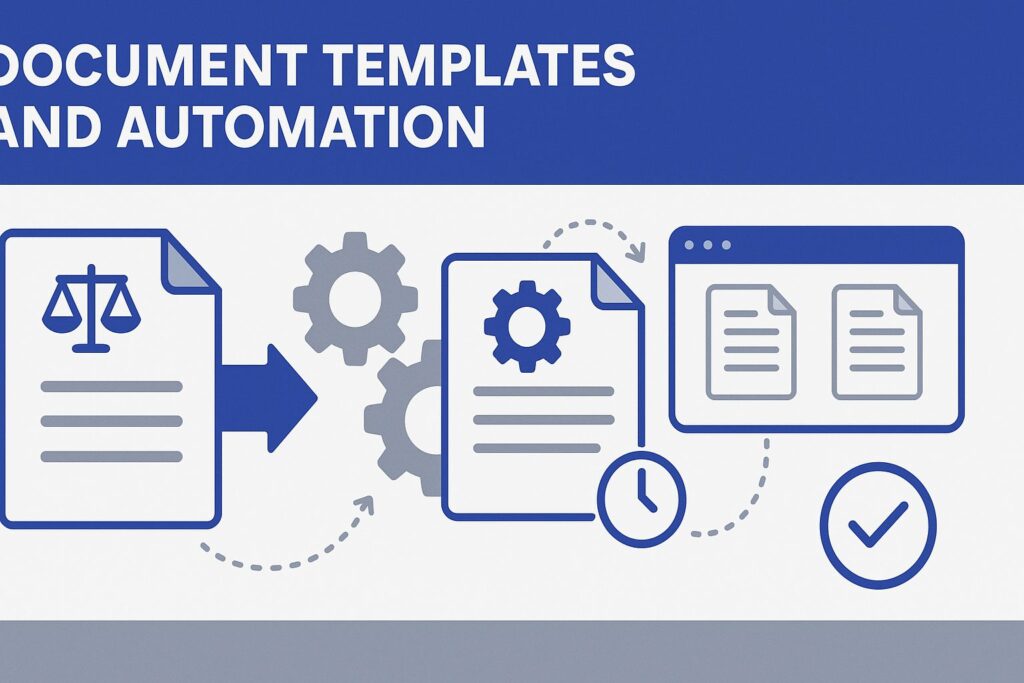
 Step-by-Step Tutorial:
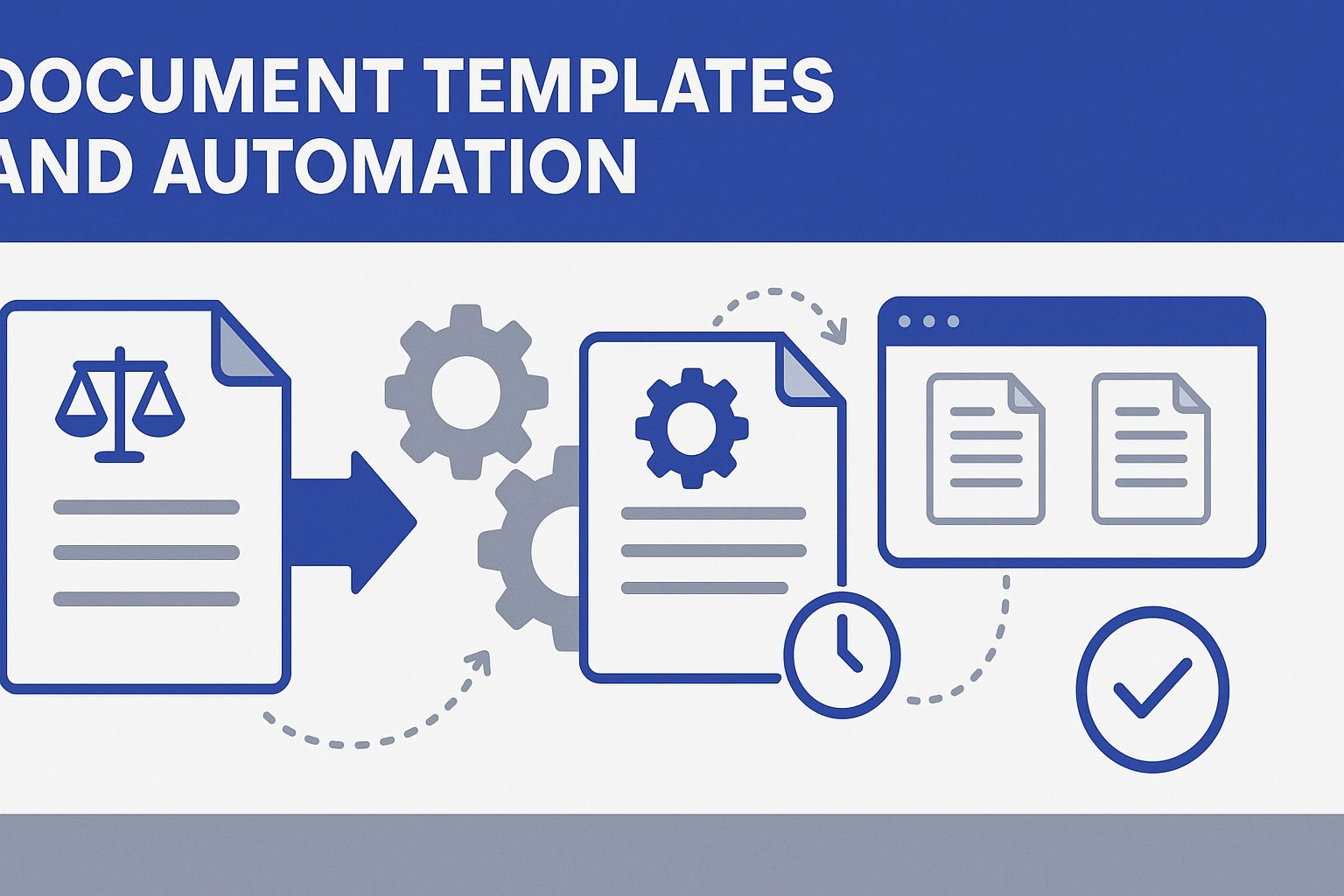
Creating a Basic Template
- Prompt for appointment confirmation template
- Adding placeholder fields
- Formatting for professional appearance
Advanced Template Features
- Including conditional language
- Creating multiple versions for different scenarios
- Integrating firm branding elements
Template Organization
- Naming conventions
- Storage and retrieval systems
- Version control considerations
Reading: Professional Formatting Standards
Legal Document Formatting Essentials:
-
Header Information
- Firm letterhead placement
- Date and reference numbers
- Recipient information formatting
-
Body Structure
- Professional salutations
- Clear paragraph organization
- Logical information flow
- Appropriate closing language
-
Footer Elements
- Contact information
- Confidentiality notices
- Professional signatures
Copilot Formatting Prompts:
Format this document according to professional legal standardsAdd appropriate headers and footers for a law firm letterStructure this content with clear sections and professional formattingCreate a template with placeholder fields for [specific information]